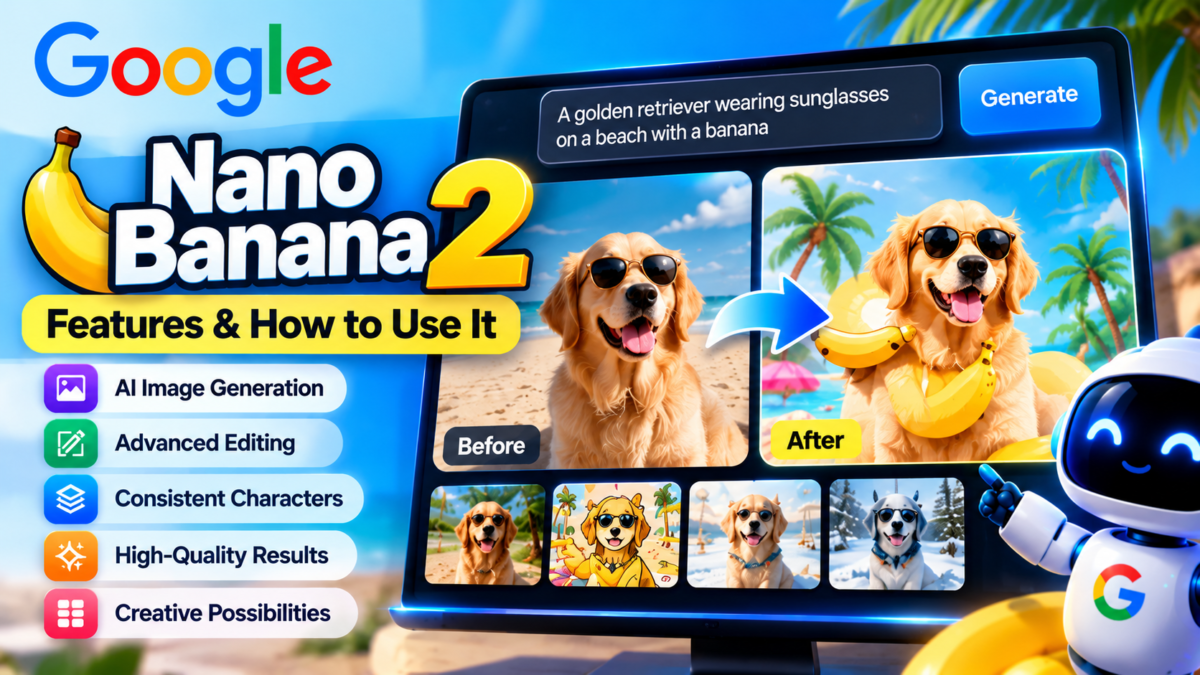
Quick answer: Nano Banana 2 is Google’s AI image-generation and editing model, announced February 26, 2026. Also called Gemini 3.1 Flash Image, it combines fast image creation with features such as subject consistency, text rendering, multilingual editing and image-grounded world knowledge. The official name is Nano Banana 2, not the unverified ‘Nano Banana 2.1’.
What is Nano Banana 2?
Google describes Nano Banana 2 as a fast image model that brings several higher-end creative capabilities to a Flash-speed workflow. It can create and edit visuals from text prompts, including posters, marketing mockups, infographics and storyboard frames.
The model is also known as Gemini 3.1 Flash Image. It is distinct from Nano Banana Pro, which Google continues to position for specialized high-fidelity tasks.
Key features
Fast image generation: Google designed the model for rapid creation and iteration, making it useful when trying several concepts.
Better text rendering: it can place more legible text into graphics and translate or localize text in an image. Always proofread generated lettering before publication.
Subject consistency: Google says it can maintain resemblance for up to five characters and fidelity for up to 14 objects in a workflow. This is useful for storyboards, but results still require visual inspection.
World knowledge and grounding: Google says the model can use real-time information and images from web search in supported workflows to better depict specific subjects. Verify the output for factual and licensing issues.
Creative controls: the announcement describes multiple aspect ratios and output resolutions from 512 pixels to 4K, subject to product availability and settings.
How to use Nano Banana 2 in Gemini
1. Open the Gemini app or supported Google AI interface.
2. Choose image generation or editing, where available.
3. Describe the subject, composition, style, colors and intended aspect ratio.
4. Review the image, then ask for precise changes such as a different background or corrected text.
5. Export the image using the available interface. Availability and quotas vary by plan and region.
Prompt examples
Product image: ‘Create a clean studio product photograph of a reusable steel water bottle on a neutral background, soft side lighting, 16:9 composition, no logos.’
Infographic: ‘Design a simple educational infographic explaining the water cycle, with five clearly labeled stages and consistent arrows. Use a clean flat illustration style.’
Storyboard: ‘Create three consistent scenes of the same fictional astronaut exploring a greenhouse on Mars, preserving the suit color and helmet design.’
Localization: ‘Keep the layout and images unchanged, but translate the English heading into Spanish. Preserve legibility and spacing.’
Nano Banana 2 vs Nano Banana Pro
Nano Banana 2 emphasizes speed, iteration and broad access to strong image-generation features. Nano Banana Pro is positioned for specialized tasks needing high fidelity and creative control.
Choose the model based on your actual output needs. For social media ideation, speed may matter most; for detailed commercial art, inspect text accuracy, object consistency and resolution before choosing.
Where is Nano Banana 2 available?
Google announced rollout through the Gemini app, Search AI Mode and Lens, AI Studio and the Gemini API. The Gemini app uses Nano Banana 2 across supported modes, while paid users may retain access to Nano Banana Pro for some specialized requests.
Exact availability, quotas and pricing vary by product, account and region. For API work, consult Google’s current Gemini API pricing page before estimating costs.
Safety, copyright and commercial use
AI-generated images can contain visual errors, misleading depictions or unintended similarities to protected designs. Check image rights, trademark usage, product claims and platform requirements before publishing.
For commercial product images, do not present AI-generated details as proof of a product’s real appearance or features. Label illustrative imagery when a viewer could otherwise be misled.
Related reading
Compare other tools in our best AI image generators guide and free AI image tools roundup.
Frequently Asked Questions
Is Nano Banana 2 the same as Gemini 3.1 Flash Image?
Yes. Google identifies Nano Banana 2 as Gemini 3.1 Flash Image.
When was Nano Banana 2 released?
Google announced it on February 26, 2026.
Is Nano Banana 2.1 officially announced?
The official Google source reviewed for this article documents Nano Banana 2, not a 2.1 release.
Can Nano Banana 2 edit images?
Yes. Google describes both image generation and editing workflows.
Official Sources
Last reviewed: October 8, 2026. Product features and pricing can change.