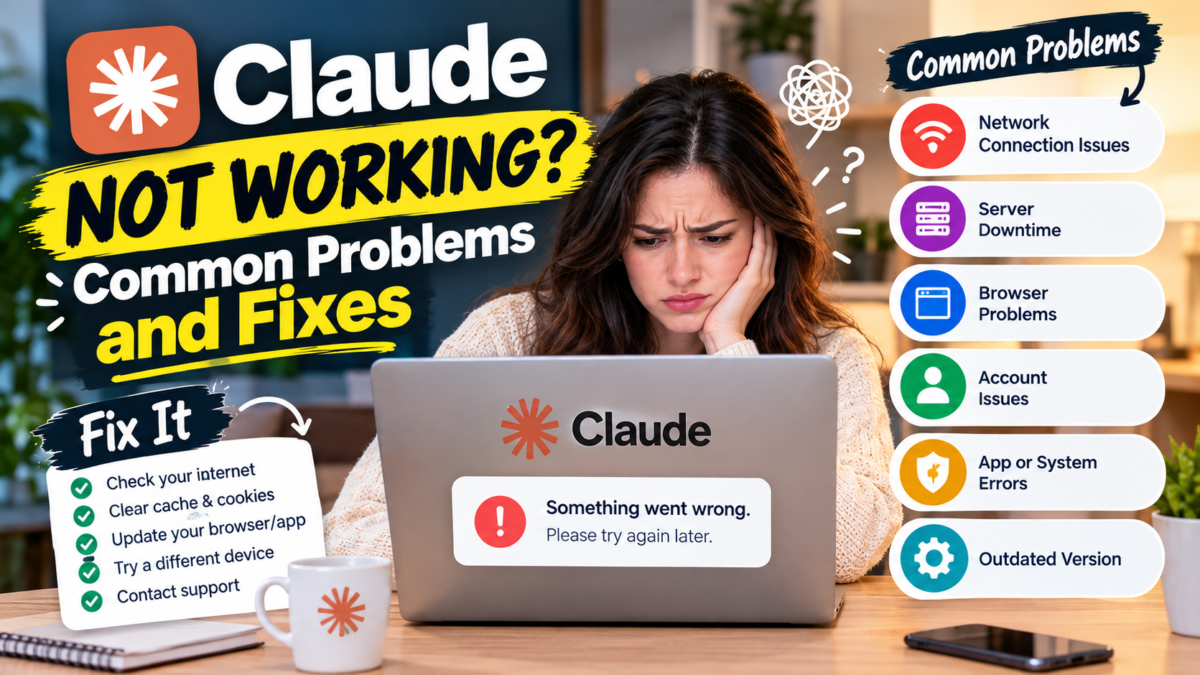
Claude may occasionally fail to respond, show an error, prevent you from logging in, or tell you that you have reached a usage or length limit.
These problems do not all have the same cause.
Anthropic’s official documentation distinguishes between several types of Claude problems, including:
- service incidents and outages
- capacity constraints
- usage limits
- message length limits
- login errors
Identifying the exact message you see is therefore the best place to start. If you’re new to Claude, our beginner’s guide to using Claude covers the basics before you troubleshoot.
1. Check Whether Claude Is Down
First check Anthropic’s official Claude Status page.
Service incidents are technical disruptions where Claude is unavailable or significantly degraded for many users.
If Anthropic is reporting an active incident affecting Claude, waiting for service restoration may be the appropriate solution.
If no incident is reported, continue troubleshooting.
2. Check the Exact Claude Error Message
Do not assume every Claude problem is an outage.
Read the error message carefully. It may indicate:
- a usage limit
- a message length limit
- capacity constraints
- a login problem
- another technical issue
Each type requires a different response.
3. What Does a Claude Usage Limit Error Mean?
Claude has usage limits that vary depending on your plan and usage. See our guide on Claude’s Free, Pro and Max plans if you’re unsure what your plan includes.
Anthropic may show a warning when you are approaching a usage limit.
If you reach the applicable limit, Claude can display a blocking message telling you when usage will reset.
If the message specifically says you have reached a usage limit, browser troubleshooting will not remove the account’s usage restriction.
Follow the reset information shown by Claude.
4. What Does “Approaching 5-Hour Limit” Mean?
Anthropic’s current documentation describes warnings that can appear as you approach your plan’s limit within a five-hour session.
If the limit is reached, Claude may show when it will reset.
This is different from Claude being down.
If you see a usage-limit message, follow the reset time or usage options shown in your account.
5. What Does a Claude Length Limit Error Mean?
Claude may show a length-limit message when your input is too large for the conversation.
Anthropic recommends approaches such as:
- attaching fewer files
- using smaller files
- breaking content into smaller chunks
- summarizing or extracting relevant sections
- starting a new conversation
If you receive a message specifically saying your input will exceed the length limit, shortening the content is more appropriate than repeatedly refreshing the page. If large PDF uploads are the cause, see our guide on how Claude reads PDF files for what affects file size and length.
6. What Are Claude Capacity Constraints?
Claude can sometimes experience periods of very high demand.
Anthropic describes capacity constraints separately from outages.
During capacity constraints, you may see a message explaining that Claude is unable to respond because of unexpected capacity constraints and asking you to try again soon.
Anthropic says these conditions are temporary and typically resolve as demand patterns change.
Try again after a few minutes.
Importantly, capacity constraints may not appear on the Claude Status page because Anthropic does not classify normal high-demand capacity management as a service outage.
7. Why Can’t I Log In to Claude?
If Claude shows a generic login error, Anthropic recommends several troubleshooting steps. Try:
- Turn off your VPN.
- Disable active browser extensions.
- Clear browser cache and cookies.
- Try logging in again.
- Check the Claude Status page for an active incident.
If the problem continues, note the exact error message because it may help identify the cause.
8. Claude Login Email Isn’t Arriving — What Should You Do?
If you requested a Claude login email but have not received it:
- check your spam folder
- check your junk folder
- check whether your email system quarantined it
- allow emails from Anthropic’s mail domain where appropriate
- wait a few minutes and try logging in again
Business, government or educational email accounts may have additional email-security filtering. In those cases, you may need assistance from your organization’s IT administrator.
9. Clear Browser Cache and Cookies
For Claude login errors, Anthropic specifically recommends clearing browser cache and cookies. After doing so:
- Close and reopen your browser.
- Return to Claude.
- Attempt to sign in again.
Be aware that clearing cookies can sign you out of websites.
10. Disable Browser Extensions
Extensions can sometimes interfere with Claude login or web functionality.
Temporarily disable your active extensions and test Claude again.
If Claude begins working normally, enable the extensions one at a time to identify the conflict.
11. Turn Off Your VPN
Anthropic recommends trying Claude without a VPN when troubleshooting generic login errors.
Disconnect the VPN and attempt to sign in again.
If Claude works without it, your VPN or network route may have been contributing to the problem.
12. Try Another Browser or Device
If the basic steps do not resolve the issue, testing another browser or device can help isolate the problem. For example:
If Claude works on your phone but not your computer, investigate the computer’s browser or network configuration.
If Claude works in another browser, extensions, cookies or settings in the original browser may be responsible.
13. Start a New Conversation
If the problem relates to a very long conversation or large amount of content, starting a new conversation may help.
This is particularly relevant when Claude reports that your message or chat is approaching a length limitation.
Move only the information necessary for your next task into the new conversation rather than repeatedly submitting an oversized input.
14. Is Claude Down or Have You Reached a Limit?
These are different situations.
A service incident: May affect many Claude users and should be checked through Anthropic’s Status page.
A capacity constraint: Can occur during high demand and may resolve after waiting and trying again.
A usage limit: Is tied to your usage and plan. Claude should indicate when the limit resets.
A length limit: Means your input or conversation is too large and should be reduced or moved into a new conversation.
A login problem: May require browser, VPN, extension or cache troubleshooting.
Reading the exact error message can save a lot of unnecessary troubleshooting.
15. What If Claude Still Isn’t Working?
If Claude continues to fail:
- Check the official Status page.
- Record the exact error message.
- Determine whether it is a usage, capacity, length or login issue.
- Try the appropriate troubleshooting steps.
- Contact Anthropic Support if the problem persists and is not explained by a known limit or incident.
Providing the exact error message can make troubleshooting more effective.
Quick Claude Troubleshooting Checklist
If Claude is not working:
- Check Claude Status.
- Read the exact error message.
- Check whether you reached a usage limit.
- Check whether the input is too long.
- If it is a capacity message, wait and retry.
- For login errors, turn off VPN.
- Disable browser extensions.
- Clear browser cache and cookies.
- Try another browser or device.
- Contact Anthropic Support if necessary.
Final Answer
If Claude is not working, first identify whether you are experiencing an outage, capacity constraint, usage limit, length limit or login problem.
Check Anthropic’s official Status page for service incidents.
If Claude reports a usage or length limit, follow the instructions associated with that limit.
For generic login problems, try disabling your VPN and browser extensions and clearing browser cache and cookies.
If you see a capacity constraint message, waiting a few minutes and trying again may be all that is required.
If the problem persists without a known explanation, contact Anthropic Support.
If you’re deciding between AI assistants, see how Claude compares to ChatGPT.