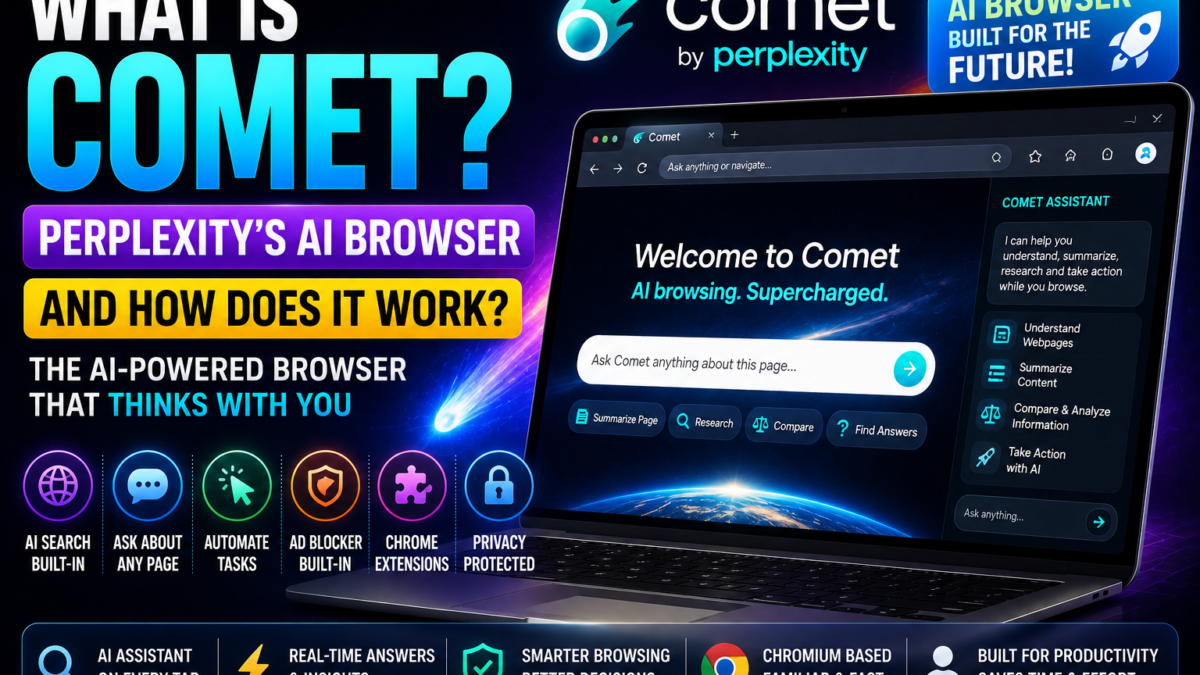
What Is Comet?
Comet is Perplexity’s attempt to put AI inside the browser itself.
Instead of:
Browser → copy information → open AI → paste information
you can ask the AI about the page you’re already viewing.
Is Comet Based on Chrome?
Comet is based on Chromium, the open-source browser technology that also powers Chrome and several other browsers.
Perplexity says Comet supports most Chrome extensions.
What Is Comet Assistant?
Comet Assistant appears alongside the browser.
It can use the current webpage—or another tab you specify—as context.
You can ask:
Summarize this article.
What are the main arguments on this page?
Compare the products in my open tabs.
Extract the important dates.
Draft an email based on this page.
Can Comet Perform Tasks?
Yes.
Perplexity documents supported workflows where Comet can click, type, interact with pages and perform multi-step actions under supervision.
Examples include:
- Filling forms
- Researching multiple sites
- Organizing information
- Comparing products
- Drafting emails
- Working with calendar information
Does Comet Have AI Search?
Yes.
Perplexity AI is its default search engine and powers many of Comet’s AI-oriented search capabilities.
Can I Use Chrome Extensions?
Most Chrome extensions are supported because Comet is Chromium-based.
Does Comet Have an Ad Blocker?
Yes. Perplexity lists built-in AdBlock among Comet’s features.
Is Comet Safe?
Comet’s deeper browser access means users should understand its privacy controls.
Perplexity says browsing history, cookies, passwords, autofill information and local files remain local by default rather than automatically being uploaded. Relevant context can be sent when the user makes a request that requires it.
Comet vs Chrome
Chrome is primarily a conventional browser with AI features increasingly added around it.
Comet is designed from the outset around Perplexity + browser + agent.
Comet builds on Perplexity AI, the company’s core search assistant. If you’re new to Perplexity, our beginner’s guide covers the basics.