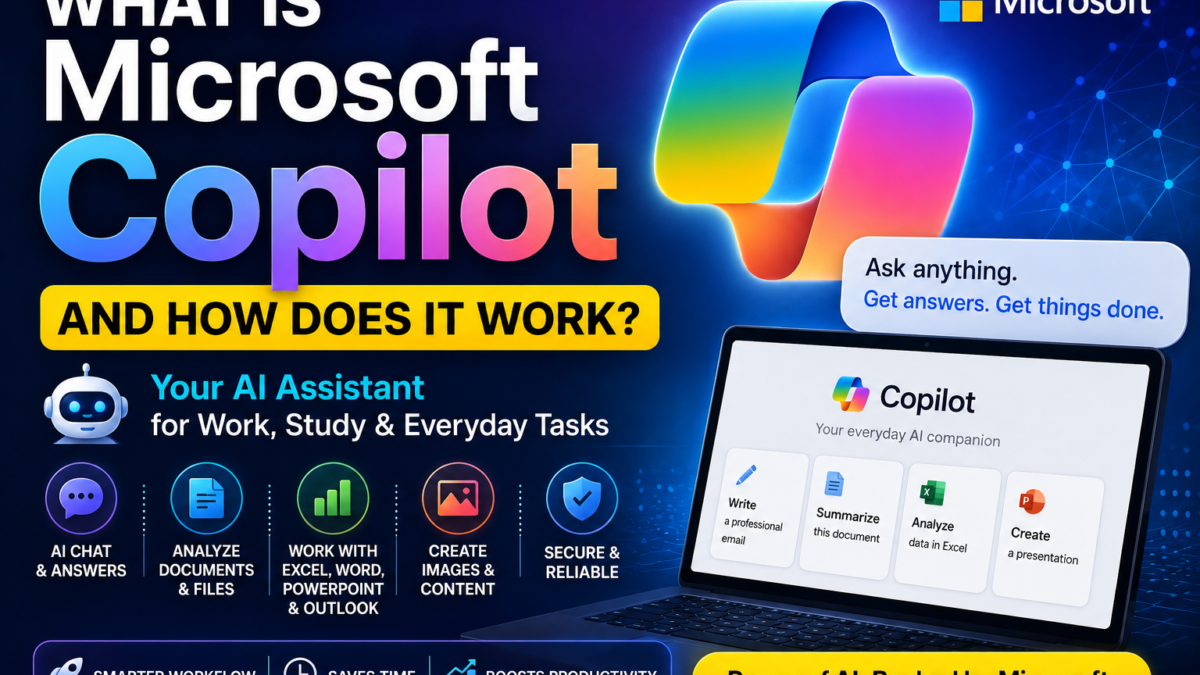
What Is Microsoft Copilot?
Microsoft Copilot is Microsoft’s artificial intelligence assistant. For related tutorials and comparisons, visit our Microsoft Copilot resource hub.
It can help with tasks including:
- Answering questions
- Writing
- Summarizing
- Brainstorming
- Image generation
- Image editing
- File analysis
- Research
- Productivity
Microsoft describes Copilot as a tool for advice, inspiration, questions, image creation and writing assistance.
How Does Microsoft Copilot Work?
You interact with Copilot through natural-language prompts.
For example:
Explain cloud computing in simple English.
Or:
Write a professional reply to this email.
Or:
Create an image of a modern home office.
Copilot interprets your prompt and generates a response using AI models and Microsoft services.
Where Can You Use Microsoft Copilot?
Microsoft Copilot is available across multiple platforms.
On many Windows 11 PCs, the Copilot app may already be installed.
Microsoft also provides access through its Copilot applications and web experiences.
Paid Microsoft 365 plans can integrate Copilot into productivity applications such as:
- Word
- Excel
- PowerPoint
- Outlook
- OneNote
Microsoft 365 Personal currently includes Copilot in several desktop apps.
Is Microsoft Copilot Free?
Microsoft offers free Copilot experiences, while higher usage and deeper Microsoft 365 integration are available through paid plans.
For example, Microsoft 365 Personal currently includes:
- Copilot inside supported Microsoft 365 apps
- Higher usage limits for selected Copilot features
- Increased AI image creation usage
- 1 TB OneDrive storage
- Word, Excel, PowerPoint and Outlook
Microsoft currently lists Microsoft 365 Personal at $9.99/month or $99.99/year in the US, subject to regional pricing changes.
Can Microsoft Copilot Read PDFs?
Yes.
Microsoft Copilot currently supports file uploads including:
- DOCX
- XLSX
- PPTX
- TXT
- JSON
- CSV
- Markdown
- Images
You can upload up to 20 files in one Copilot conversation, with a current limit of 50 MB per uploaded file for the standalone Copilot experience described by Microsoft.
You could ask:
Summarize this PDF.
Or:
Extract the important numbers from this report.
Or:
Compare these two documents.
Can Microsoft Copilot Generate Images?
Yes.
Microsoft Copilot can generate images from text prompts.
For example:
Create a photorealistic futuristic city at sunset.
You can also upload an image and request modifications.
For example:
Change the background to a beach.
Microsoft specifically documents both generation and image transformation capabilities.
Can Copilot Work With Word?
Yes, with eligible Microsoft 365 plans.
Copilot in Word can assist with tasks such as:
- Drafting
- Rewriting
- Summarizing
- Working from notes
- Improving content
Microsoft promotes Copilot in Word as a way to move from prompts and notes to a first draft.
Can Copilot Work With Excel?
Yes.
Copilot in Excel can help analyze data and generate insights on supported plans.
Microsoft describes Copilot as helping turn raw data into clearer insights.
Can Copilot Create PowerPoint Presentations?
Yes, with supported Microsoft 365 experiences.
Microsoft says Copilot in PowerPoint can begin from a prompt, outline a presentation and generate slides.
This can save time when creating:
- Business presentations
- Training decks
- School presentations
- Marketing slides
- Reports
Can Copilot Help With Email?
Yes.
Copilot integrates with Outlook in supported Microsoft 365 plans.
It can help with:
- Drafting emails
- Summarizing messages
- Organizing information
- Preparing replies
Microsoft highlights Outlook summarization as one of its Copilot productivity use cases.
Can Microsoft Copilot Analyze Images?
Yes.
Copilot can work with uploaded images, and Microsoft also offers visual AI assistance in supported subscriptions and experiences.
What Is Microsoft 365 Copilot?
Microsoft 365 Copilot refers to AI assistance integrated into Microsoft’s productivity environment.
It is particularly valuable for users and organizations already using:
- Word
- Excel
- PowerPoint
- Outlook
- OneDrive
- Teams
- SharePoint
Business Copilot offerings provide deeper integration with organizational data and Microsoft 365 environments.
Microsoft Copilot vs ChatGPT
Both are general-purpose AI assistants.
The biggest difference is ecosystem.
Microsoft Copilot is especially attractive for people who work inside Microsoft 365 and Windows.
ChatGPT is a broader independent AI environment centered around OpenAI’s own tools, Projects, research, files and image capabilities.
If most of your work happens in Word, Excel, PowerPoint and Outlook, Copilot can be more convenient.
Who Should Use Microsoft Copilot?
Copilot is particularly useful for:
- Microsoft 365 users
- Office workers
- Students
- Business professionals
- Writers
- Spreadsheet users
- Presentation creators
- Windows users
Is Microsoft Copilot Safe to Use?
Like other AI assistants, Copilot can produce incorrect information.
You should verify important outputs involving:
- Financial decisions
- Legal issues
- Medical advice
- Technical specifications
- Business reports
- Statistics
Microsoft also documents specific privacy and retention policies for uploaded files.
For the consumer Copilot file-upload experience, Microsoft says uploaded files can be stored for up to 18 months and are not used for model training.
Final Verdict
Microsoft Copilot is more than a chatbot.
It combines conversational AI, files, images and productivity assistance with Microsoft’s broader software ecosystem.
Its biggest advantage is integration with Microsoft products.
If you already rely heavily on Word, Excel, PowerPoint, Outlook and Windows, Copilot can fit naturally into your existing workflow.
Ready to get started? Our guide to using Microsoft Copilot covers the basics. See how it compares to ChatGPT.